Edit your PDFs and keep their look.
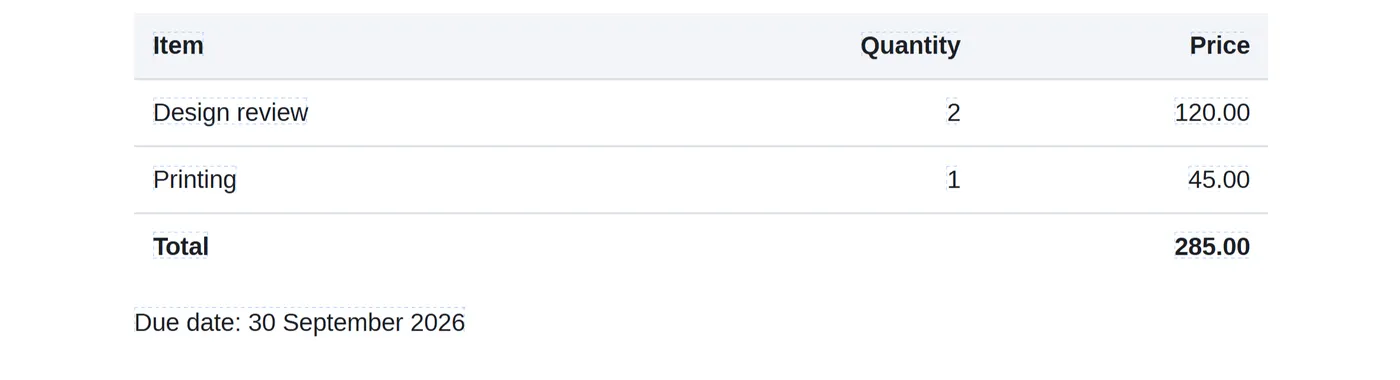
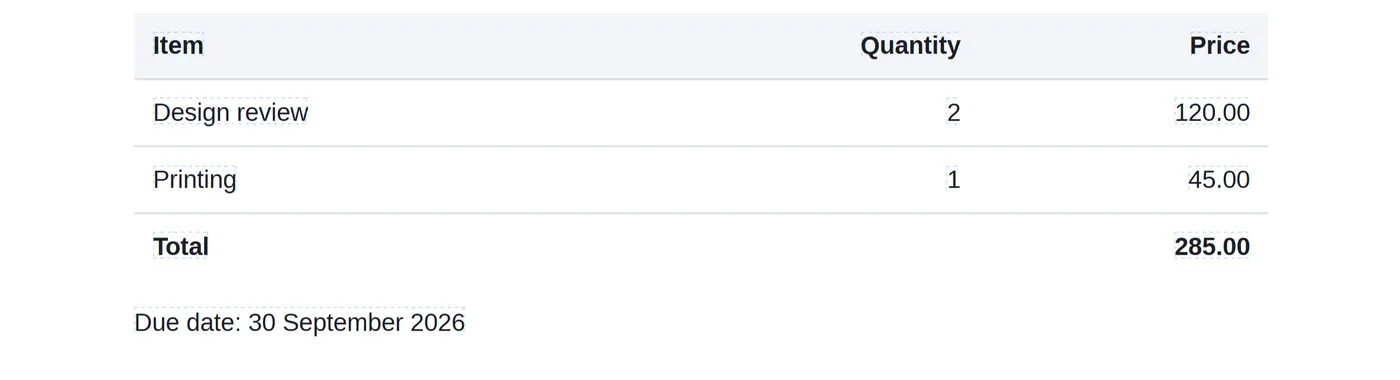
Change text, images and layout directly on the page. Toracube is designed to keep the original fonts, sizes and layout — with nothing to install.
Or drop a PDF anywhere on this page.
Your files stay on your device and are never uploaded.
Why Toracube
Private
Files are opened and edited on your device, never uploaded.
No login needed
Open the editor and start. No account required.
Keeps the look
Designed to preserve each document's fonts, sizes and layout.
What you can do
Edit text
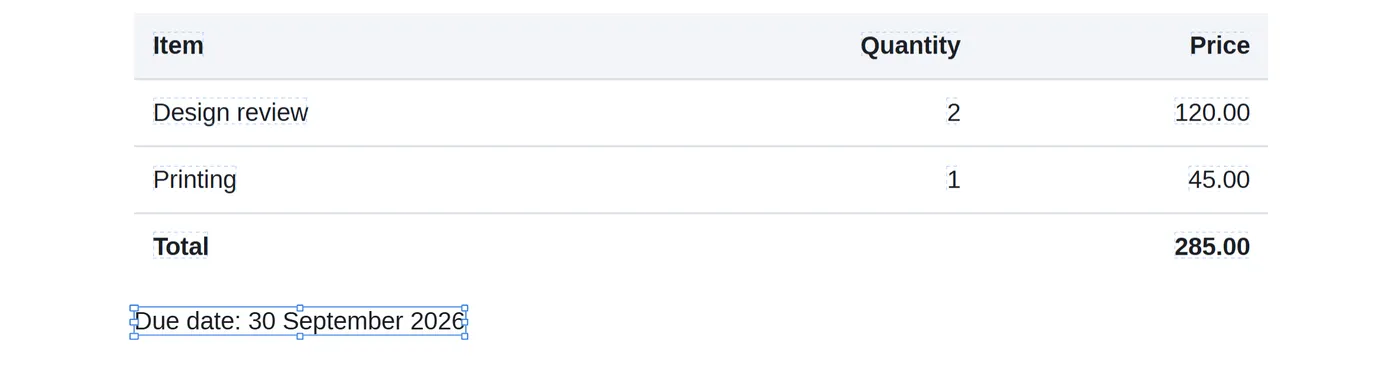
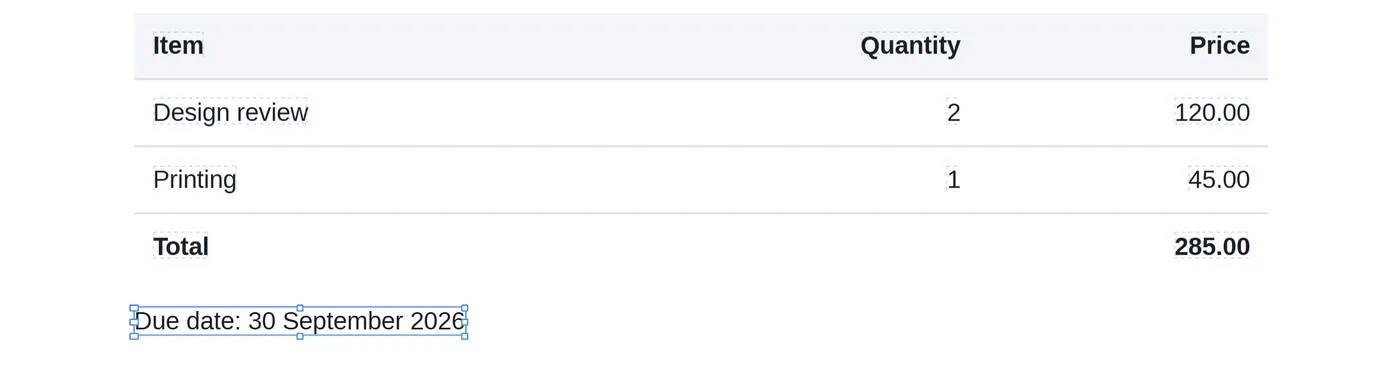
Click any line or paragraph and type.
Refine the style
Font, size, bold, italic, underline and colour.
Move and resize
Reposition content or change its width.
Add new content
Place text, images and shapes anywhere on a page.
English, Bengali and Hindi
Documents in these languages are supported.
Save a new copy
Download the edited file. Your original stays unchanged.
How it works
Read the full guide- 1
Open
Choose a PDF from your device, or drop it into the editor.
- 2
Edit
Click the text you want to change and type.
- 3
Download
Save the edited PDF. Your original stays unchanged.